Bricsys is a global provider of the BricsCAD® brand of engineering design software. We are relentlessly committed to the success of our customers. Bricsys has been advancing BricsCAD since 2002. Over the past two decades, our sole focus has been building cost-effective, mission-critical CAD tools. Now as part of global technology giant Hexagon AB, we are strengthening our commitment to taking your design workflow to the next level.
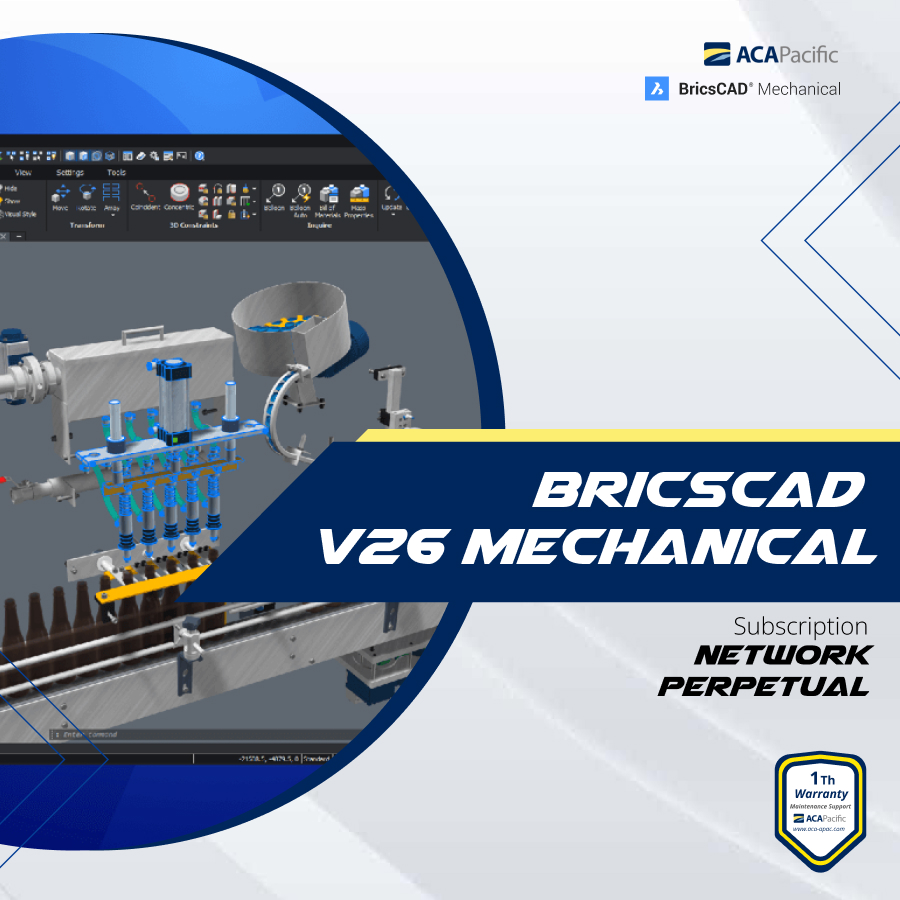
A BricsCAD Mechanical network license provides access to the BricsCAD Mechanical software over a network, allowing multiple users to share the software's advanced 2D and 3D mechanical design, sheet metal tools, and DFMA (Design for Manufacturing and Assembly) capabilities. This license type enables efficient collaboration by managing software usage across multiple workstations from a central server, ensuring compliance and flexibility for engineering teams working on DWG-based designs and documentation.
Key Aspects of a Network License
Shared Access:
Instead of individual licenses for each workstation, a network license allows a defined number of users to access the software from different computers on a network.
Centralized Management:
Administrators can manage the software deployment and license allocation from a central location.
Flexibility:
Users can check out and check in licenses as needed, providing flexibility for teams.
Cost-Effective:
For organizations with multiple users, a network license can be more cost-effective than purchasing individual licenses for each seat.
BricsCAD Mechanical Features
The platform operates within the familiar DWG file format, ensuring compatibility and seamless integration with other CAD tools.
3D and 2D Design Tools:
It includes advanced tools for creating and documenting 2D and 3D mechanical parts, assemblies, and sheet metal designs.
Sheet Metal Capabilities:
Robust features for creating, modeling, and documenting sheet metal parts, including automated features like unfold and bend.
DFMA Tools:
Features to optimize production processes and integrate design into the manufacturing workflow.
Offers flexible modeling capabilities with tools for creating intelligent, parametric designs.
Multi-CAD Connectivity:
Supports the import and modification of CAD data from other systems, enhancing collaboration.
Bill of Materials (BOM) Generation:
Automatically creates associative BOMs and updates drawings when the design changes.
Benefits of Using BricsCAD Mechanical with a Network License